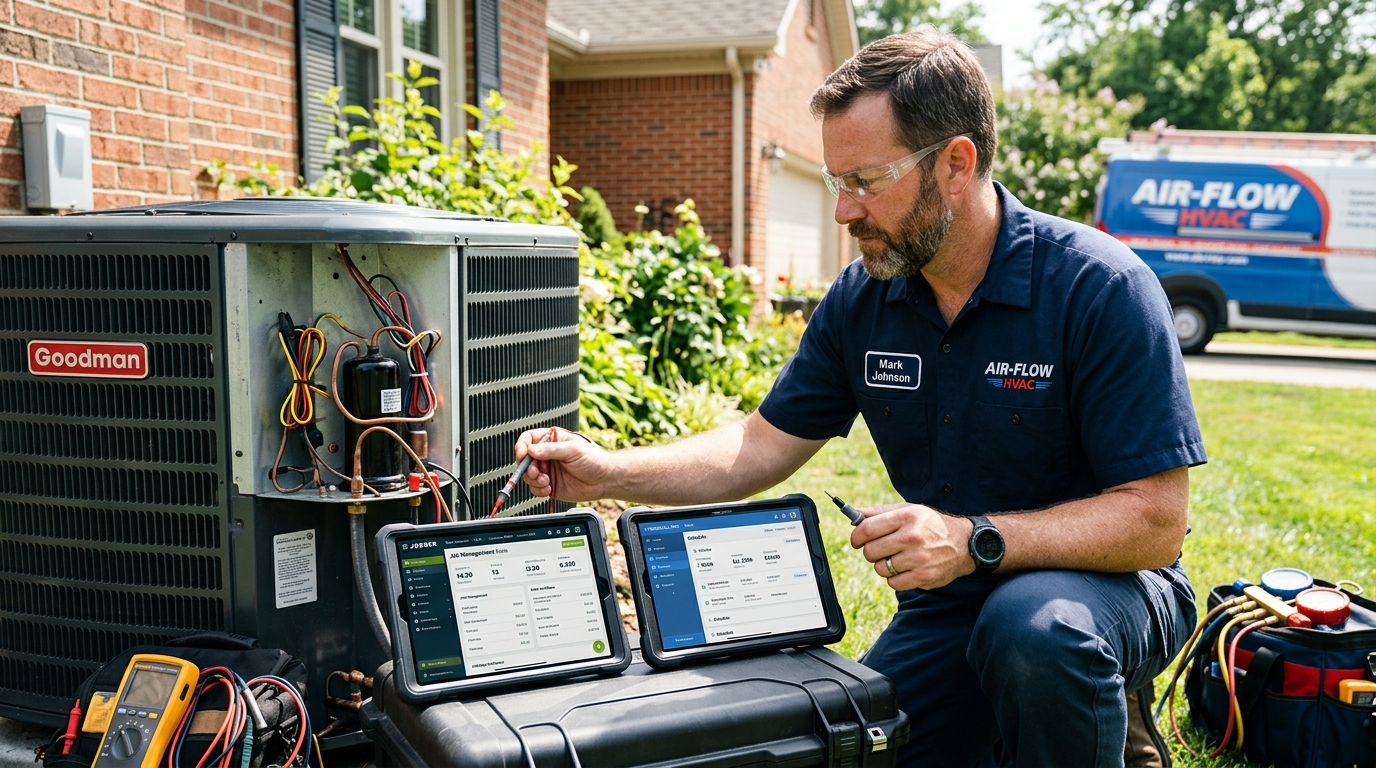
7 Smart Ways to Evaluate Housecall Pro vs Jobber for HVAC Contractors (2026)
13 min read·Updated March 20, 2026Housecall Pro is generally the superior choice for HVAC businesses focusing on advanced sales automation and detailed performance reporting, whereas Jobber excels in user-friendly dispatching and client communication for smaller teams. Choosing between Housecall Pro vs Jobber depends on whether you prioritize a robust marketing engine or a streamlined, modular mobile workflow for your technicians. Most HVAC contractors spend between $129 and $399 monthly on these platforms to manage high-volume service calls and complex equipment histories. This guide analyzes the key differences to help you select the right Field Service Management (FSM) tool for your 2026 growth goals.
Table of Contents
| Feature | Housecall Pro | Jobber | Hulo |
|---|---|---|---|
| Starting Price | $129/mo | $69/mo | $49/mo |
| Free Trial | 14 Days | 14 Days | 7 Days |
| AI Scheduling | ✓ (Advanced) | ✓ (Standard) | ✓ (Simple) |
| Mobile App | ✓ (High Rated) | ✓ (High Rated) | ✓ (Browser Optimized) |
| Invoicing | ✓ (QuickBooks Sync) | ✓ (Integrated) | ✓ (Automated) |
| Website Builder | Add-on ($) | ✓ (Included) | |
| Customer Support | Chat/Phone | Chat/Phone | 24/7 Priority |
| Integration Count | 50+ | 40+ | 15+ |
| Best For | Sales-focused HVAC | Dispatch-focused HVAC | Lean/Solo Operators |
2026 HVAC Software Comparison: Housecall Pro vs. Jobber vs. Hulo
How to Housecall Pro vs Jobber for Beginners?
Evaluating the Onboarding Experience
For HVAC beginners, the transition from paper invoices to digital management can be daunting. Housecall Pro offers a structured 'concierge' onboarding for their 'Essentials' and 'Max' plans, which typically takes 3 to 5 business days to complete. This process includes importing your existing customer list (CSV format) and setting up your first price book with SEER2-compliant equipment listings. Many new owners find that Housecall Pro's initial setup is more rigid but leads to fewer errors in the long run.
Jobber, by contrast, offers a more self-guided experience that allows a technician to go live within 24 hours. Their 'Jobber Academy' provides over 100 video tutorials specifically for trade businesses. If you are a solo HVAC operator running one van, Jobber’s interface feels less cluttered because you can toggle off features you don't need, such as advanced routing or multi-crew GPS tracking. This modularity makes it a favorite for those who value speed and simplicity over deep data analytics.
While both platforms provide solid foundations, beginners often overlook the cost of a professional web presence. Platforms like Hulo provide an integrated website, CRM, and invoicing system for a flat $49/mo, which is significantly lower than the $129/mo starting price for Housecall Pro's basic tier. For a new HVAC business, saving that $80 monthly can be reinvested into local SEO or purchasing essential tools like a high-quality manifold gauge set.
Choosing Software Based on Your Growth Stage
Your choice between Housecall Pro vs Jobber should align with your 12-month business plan. If you intend to scale to 5+ trucks by the end of 2026, Housecall Pro’s 'Sales Builder' feature is a major asset. It allows technicians to present 'Good-Better-Best' options on a tablet during a service call, which has been shown to increase average ticket prices by 22% in the HVAC industry. This feature is particularly useful when quoting high-efficiency heat pump installations that require detailed ROI explanations for the homeowner.
Jobber is often the better fit for service-heavy HVAC companies that handle 10+ small repair calls per day per technician. Their dispatching map is highly intuitive, allowing office managers to drag and drop appointments based on real-time technician location and traffic data. Jobber’s 'Client Hub' also provides a professional portal where customers can approve quotes and pay deposits, reducing the time spent on administrative follow-ups by an average of 7 hours per week for a two-person team.
Regardless of the platform, ensuring your software integrates with your accounting is critical. Both Housecall Pro and Jobber offer two-way synchronization with QuickBooks Online, which ensures that every capacitor replacement or duct cleaning job is accurately reflected in your profit and loss statements. This integration prevents the common 'end-of-year tax panic' that many HVAC contractors face when their field data doesn't match their bank deposits.
22%
Average Revenue Increase
HVAC businesses using 'Good-Better-Best' quoting features see a 22% rise in average ticket value.
Key Takeaway: Choose Jobber if you need to be up and running in 24 hours, but pick Housecall Pro if your primary goal is increasing your average ticket size through professional sales presentations.
What is the Best Housecall Pro vs Jobber Guide for New Owners?
Comparing Core HVAC Functionality
A comprehensive guide for HVAC owners must highlight how these tools handle equipment tracking. Housecall Pro allows you to store detailed records of every furnace, AC unit, and air handler you service, including model numbers, serial numbers, and installation dates. This is vital for NATE-certified technicians who need to track warranty status and maintenance history across multiple years. Having this data at your fingertips during a service call can turn a simple repair into a scheduled maintenance contract.
Jobber approaches equipment tracking through 'Custom Fields' on the client profile. While slightly less specialized for HVAC than Housecall Pro’s dedicated equipment module, it is highly flexible. You can create fields for refrigerant type (e.g., R-410A vs. R-32), filter sizes, and even photos of the attic access. For a new owner, this flexibility allows you to customize the software to match your specific workflow without paying for high-tier enterprise features that you might not yet need.
Another critical factor is the mobile app performance in the field. HVAC technicians often work in basements or attics with poor cellular reception. Jobber’s mobile app has a robust 'offline mode' that allows techs to clock in, take photos, and complete checklists without a live data connection. Housecall Pro also offers offline capabilities, but users frequently report that its 'Sales Builder' requires a stable connection to pull live pricing from integrated wholesalers like Johnstone Supply.
Marketing and Customer Retention Tools
Marketing is where Housecall Pro truly shines in the Housecall Pro vs Jobber comparison. Their 'Marketing Center' includes automated postcard campaigns and email remarketing specifically designed for seasonal HVAC tune-ups. For example, you can set a rule to automatically mail a 'Spring AC Check-up' postcard to any customer who hasn't booked a service in the last 6 months. These automated touches can maintain a 15-20% higher retention rate compared to manual outreach.
Jobber focuses more on the 'Client Experience' through automated SMS notifications. Their 'On My Way' texts include a link to the technician's photo and real-time GPS location, which builds immediate trust with the homeowner. This feature is particularly effective for HVAC businesses where security and professionalism are top priorities for residential clients. Jobber also includes a 'Referral Program' feature that encourages satisfied customers to share your business with their neighbors in exchange for a discount on their next service.
For those who find these marketing suites too complex or expensive, Hulo offers a middle ground. By combining a high-converting website with automated lead capture, Hulo ensures that your HVAC business looks established from day one. Instead of paying $200+ for a CRM and another $100 for a website, Hulo’s $49/mo all-in-one approach allows you to focus your budget on lead generation through platforms like Google Local Services Ads (LSA).
Pro Tip: Always verify that your chosen software supports EPA 608 record-keeping requirements for refrigerant tracking to ensure 100% compliance during audits.
Which Housecall Pro vs Jobber Tips Help You Get Paid Faster?
Optimizing the Invoicing Workflow
To get paid faster, you must eliminate the gap between finishing the job and sending the bill. Housecall Pro allows technicians to generate an invoice and take payment via a mobile card reader (at a 2.9% + 30¢ rate) before they even leave the customer's driveway. For a typical $450 blower motor replacement, receiving payment instantly rather than waiting for a 30-day billing cycle improves your cash flow by 100%. This is essential for meeting payroll for a growing HVAC team.
Jobber’s 'Automatic Payments' feature is a game-changer for commercial HVAC contracts or residential maintenance agreements. You can securely store a customer’s credit card on file and automatically bill them on the first of the month for their preventative maintenance plan. This reduces your Accounts Receivable (AR) aging and ensures you aren't chasing $20 monthly payments from 500 different customers. Businesses using Jobber’s automated billing report getting paid 3x faster than those using manual invoicing.
Both platforms integrate with financing partners like Wisetack or GreenSky. This allows your technicians to offer low-monthly-payment options for $10,000+ full system replacements directly on their tablet. In 2026, offering financing is not just a 'tip'—it is a requirement. Over 60% of homeowners prefer to finance major HVAC repairs, and having this integrated into your Housecall Pro vs Jobber workflow can increase your close rate on big-ticket installs by 35%.
Reducing No-Shows and Late Payments
Late payments are often the result of friction in the payment process. Jobber solves this with a 'Pay Now' button embedded directly in the SMS and email invoice. Customers can pay via Apple Pay, Google Pay, or credit card in under 30 seconds. By removing the need for the customer to find a checkbook or call the office with a credit card number, you significantly reduce the friction that leads to 'I'll do it later' syndrome.
Housecall Pro uses automated 'Payment Reminders' to nudge customers who have outstanding balances. You can schedule these reminders for 3, 7, and 14 days past the due date. This automation saves your office manager hours of awkward phone calls and ensures that your HVAC business maintains a healthy cash reserve. In the HVAC trade, where parts costs (like compressors or control boards) must often be paid upfront to distributors, fast payment is the lifeblood of the company.
Hulo also prioritizes speed by including professional invoicing tools that link directly to your business bank account. For lean HVAC startups, Hulo’s simplified invoicing means you don't have to navigate the complex settings of a full-scale FSM while still maintaining a professional appearance. Using a clean, digital invoice rather than a handwritten carbon copy can improve your brand perception and lead to higher-quality referrals in affluent neighborhoods.
3X
Faster Payments
Contractors using automated SMS invoicing get paid 3 times faster than those sending paper or email-only bills.
Ready to put this into action?
Hulo gives you everything to run your hvac business — website, CRM, scheduling, and invoicing. Join the waitlist for V2.
Join the WaitlistWhy Compare Housecall Pro vs Jobber for Beginners in 2026?
The Rise of AI and Automation in HVAC
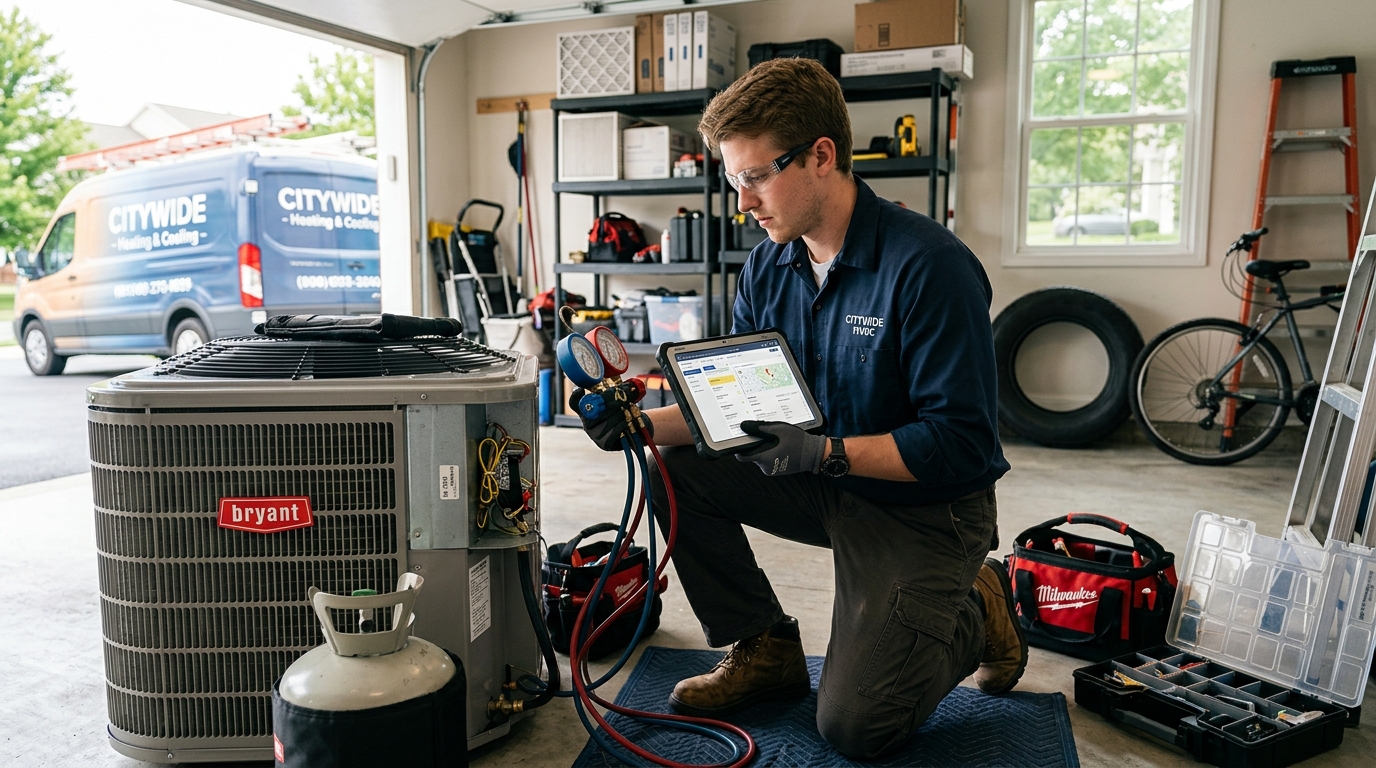
In 2026, the primary reason to compare Housecall Pro vs Jobber is their integration of Artificial Intelligence. Housecall Pro has introduced 'AI Dispatching' which analyzes your technicians' historical job times and skill sets to optimize the daily schedule. If a tech is NATE-certified in heat pumps but slow at ductwork, the AI will prioritize them for high-efficiency install calls. This level of optimization can save a 3-truck HVAC company over $1,200 a month in wasted fuel and labor costs.
Jobber has focused its AI efforts on 'Smart Quotes.' Their system analyzes your previous 500 quotes to suggest the most profitable pricing for a specific zip code and job type. If you are a beginner, this prevents you from underpricing your services in high-cost areas. For example, the AI might suggest a 15% higher margin for an emergency capacitor repair on a Sunday in a specific suburb, ensuring you are compensated for the overtime and travel.
These AI features are revolutionary, but they come with a learning curve. For a true beginner who is just learning how to price HVAC services, the complexity of AI-driven software can be overwhelming. This is why many new contractors start with Hulo. Hulo provides the essential automation—like lead capture and instant notifications—without the 'feature bloat' that often leads to HVAC owners paying for tech they never actually use.
Adapting to Changing Consumer Expectations
Modern HVAC customers expect a 'Uber-like' experience. They want to book online at 11 PM, receive a text when the tech is 15 minutes away, and pay via their phone. Both Housecall Pro and Jobber provide this level of service, which is now the industry standard. Comparing Housecall Pro vs Jobber for beginners in 2026 means looking at which platform makes this experience most seamless for the homeowner. Jobber’s 'Client Hub' is widely considered the most user-friendly portal for the average consumer.
Housecall Pro counters with 'Online Booking' that syncs directly with your Google Business Profile. When a customer searches 'HVAC repair near me' and sees your 5-star rating, they can click a 'Book Now' button and choose an available time slot without ever leaving Google. This integration is a massive advantage for HVAC contractors who rely on local search traffic. It turns a searcher into a scheduled appointment in under 60 seconds, bypassing the need for a phone call.
Maintaining this level of professionalism is difficult if your website is outdated. Hulo solves this by providing a high-performance website that is purpose-built for trade conversions. By integrating your booking and CRM directly into a modern site, Hulo ensures that your HVAC business captures every possible lead. Whether you choose Jobber, Housecall Pro, or Hulo, the goal is the same: providing a frictionless digital journey for the 2026 homeowner.
Key Takeaway: AI-driven scheduling and smart quoting are the new benchmarks for HVAC software in 2026; choose the platform that matches your technical comfort level.
What are the Top Housecall Pro vs Jobber 2026 Pricing Differences?
Analyzing the Total Cost of Ownership
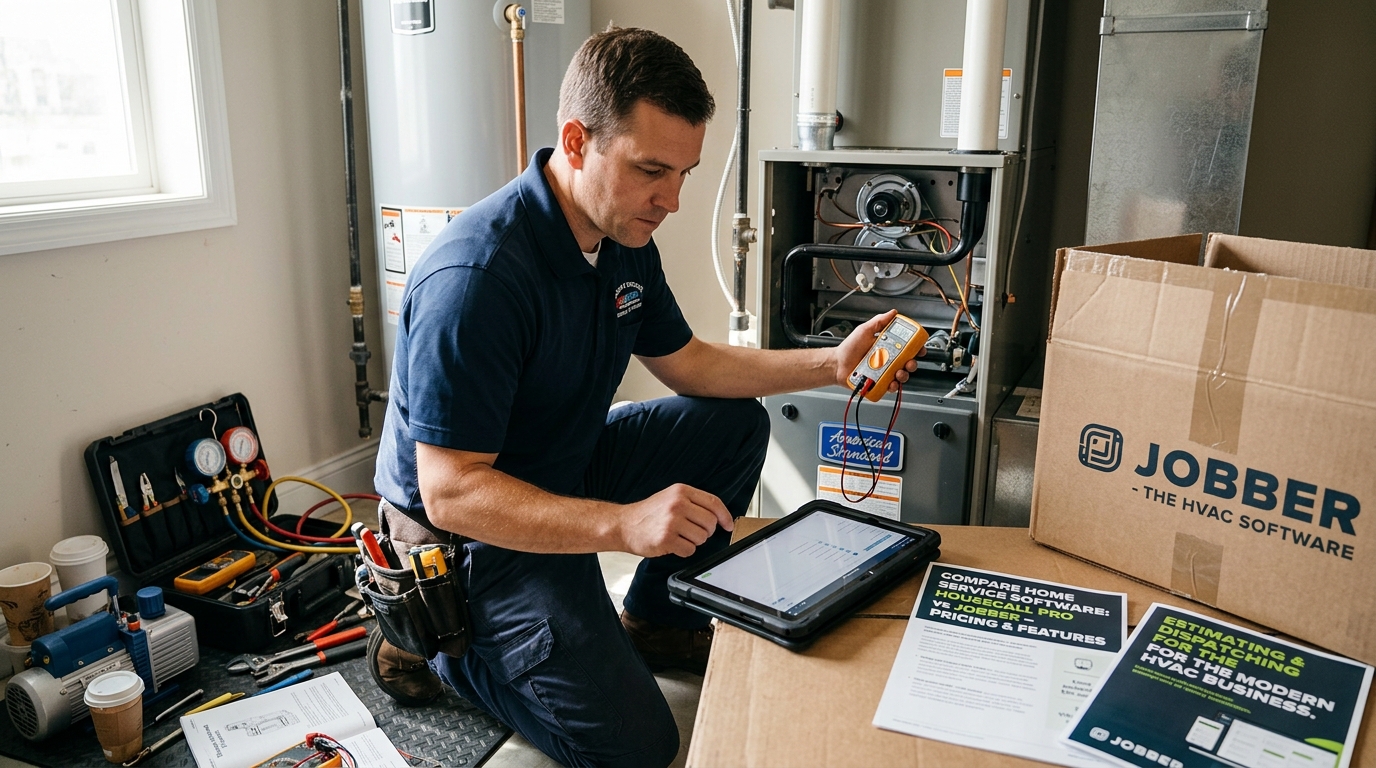
When analyzing Housecall Pro vs Jobber pricing, you must look beyond the monthly subscription. Housecall Pro’s 'Basic' plan starts at $129/mo, but many HVAC-specific features like 'Sales Builder' or 'Service Agreements' require the 'Essentials' ($199/mo) or 'Max' (Custom) plans. Additionally, Housecall Pro often charges for 'add-ons' like their website builder or specialized marketing tools. For a 3-man HVAC shop, the true monthly cost often lands between $250 and $400.
Jobber’s pricing is more modular. Their 'Core' plan starts at $69/mo for one user, 'Connect' is $169/mo for up to 5 users, and 'Grow' is $349/mo for up to 15 users. For a growing HVAC team, Jobber is often more cost-effective because the per-user price drops as you add more technicians. However, Jobber does not include a website builder, meaning you will need to pay an additional $50-$100/mo for a separate hosting and design service like Squarespace or Wix.
This is where the value proposition of Hulo becomes clear. At a flat $49/mo, Hulo includes your website, CRM, and invoicing. For an HVAC contractor just starting out, the difference between $49/mo and $300/mo is $3,012 per year. That capital is better spent on NATE certification fees (approx. $200 per exam) or a high-quality vacuum pump (approx. $600). Hulo allows you to look like a pro without the enterprise-level overhead.
ROI and Long-Term Value
The ROI of Housecall Pro is found in its ability to increase your 'Close Rate' and 'Average Ticket.' If the 'Sales Builder' helps you sell just one extra 16-SEER AC system per month instead of a base 14-SEER model, the $200/mo software pays for itself five times over in a single transaction. For sales-heavy HVAC businesses, Housecall Pro is an investment in revenue growth rather than just an administrative expense.
The ROI of Jobber is found in 'Operational Efficiency.' By saving your technicians 30 minutes of driving time per day through optimized routing, a 3-truck team saves 7.5 hours of labor per week. At a $100/hour billable rate, that is $750/week in reclaimed capacity. Jobber is the better investment if your bottleneck is scheduling and dispatching rather than sales. It allows you to squeeze more billable hours out of your existing team without hiring more staff.
Ultimately, the 'best' software is the one your team will actually use. Many HVAC owners buy Housecall Pro or Jobber and only use 10% of the features because the setup is too complex. If you want a tool that 'just works' and covers the essentials of a professional HVAC business—website, leads, and billing—starting with a focused platform like Hulo is often the smartest move to ensure immediate ROI and 2026 growth.
| Expense Category | Housecall Pro | Jobber | Hulo |
|---|---|---|---|
| Base Subscription | $199 (Essentials) | $169 (Connect) | $49 (All-in) |
| Website & Hosting | $50 (Add-on) | $60 (External) | $0 (Included) |
| Marketing Tools | $40 (Postcards) | $0 (SMS only) | $0 (Lead Gen Inc) |
| Total Monthly | $289 | $229 | $49 |
Estimated Monthly Software Costs for a 3-Truck HVAC Company
Wrapping Up
Choosing between Housecall Pro vs Jobber comes down to your primary business bottleneck: sales or scheduling. If you want to increase your average ticket through better presentations, Housecall Pro is the winner; if you need to optimize a high volume of daily service calls, Jobber is the way to go. For HVAC owners who want a professional website and essential tools for a fraction of the cost, Hulo remains the smartest choice for 2026.
Frequently Asked Questions
How much does HVAC software like Housecall Pro or Jobber cost?
HVAC software typically costs between $69 and $399 per month depending on the number of users and required features. Housecall Pro starts at $129/mo for basic users, while Jobber offers a starter tier at $69/mo. For a fully integrated solution including a website and CRM, Hulo offers a flat rate of $49/mo.
What's the difference between Housecall Pro and Jobber for HVAC?
The main difference lies in their focus: Housecall Pro is built for sales growth with its 'Good-Better-Best' quoting and marketing automation, whereas Jobber is optimized for dispatching efficiency and client communication. HVAC businesses focused on installations often prefer Housecall Pro, while service-heavy businesses prefer Jobber. Hulo is the preferred choice for lean operations needing an all-in-one website and billing tool.
Do I need NATE certification to use HVAC software?
No, you do not need NATE (North American Technician Excellence) certification to use the software, but the software helps you manage your certifications. Both Housecall Pro and Jobber allow you to store digital copies of your licenses and NATE IDs for easy access during permit applications or inspections. This ensures your HVAC business remains compliant with local regulations in 2026.
How long does it take to switch from Jobber to Housecall Pro?
Switching platforms typically takes 7 to 14 days to ensure all customer data and equipment histories are migrated correctly. Most HVAC contractors use a CSV export to move their client list, but manual entry may be required for complex service notes or historical photos. It is recommended to run both systems in parallel for one week to avoid missing any scheduled appointments.
What certifications do I need for an HVAC business in 2026?
In 2026, you must have an EPA 608 Technician Certification to handle refrigerants and a state-specific HVAC contractor's license. Many successful owners also pursue NATE or ACCA (Air Conditioning Contractors of America) certifications to build trust with high-end residential clients. Your software should store these credentials so you can present them digitally to homeowners during the quoting process.
How do I get paid faster as an HVAC contractor?
To get paid faster, you should use mobile invoicing and offer digital payment options like credit cards, Apple Pay, or Wisetack financing. Sending an invoice via SMS immediately upon job completion typically results in payment within 24 hours, compared to 15-30 days for mailed invoices. Jobber and Housecall Pro both offer integrated payment processing to facilitate this 'on-the-spot' billing.
Is Housecall Pro worth it for a solo HVAC business?
Housecall Pro is worth it if you plan to use its marketing automation and professional quoting tools to grow your ticket size immediately. However, if you are a solo operator focused on keeping overhead low, the $129/mo price point may be high. Solo HVAC techs often find better value in Hulo ($49/mo) which provides a professional website and invoicing without the enterprise-level complexity.
Can I track HVAC equipment warranties in these apps?
Yes, both platforms allow you to track equipment details, but Housecall Pro has a more specialized 'Equipment' module for this purpose. You can record the install date, brand (e.g., Trane, Carrier, Rheem), and serial number to receive alerts when a unit is nearing the end of its manufacturer warranty. This data is essential for selling maintenance agreements and future system replacements.
Stop Overpaying for HVAC Software Today
Hulo gives you a professional HVAC website, CRM, and automated invoicing for just $49/mo. Perfect for contractors who want to grow without the $300/mo software bill.
Join the WaitlistMore from the Blog
11 Expert Facts on How Much Do HVAC Technicians Make for Contractors (2026)
HVAC technicians in 2026 earn an average annual salary of $58,420 to $74,150, with hourly rates typically ranging from $...
11 Smart Ways How to Bid HVAC Jobs for Contractors (2026 Guide)
To bid HVAC jobs accurately, you must first calculate your total overhead, burdened labor rate, and desired profit margi...
12 Proven Strategies to Get HVAC Leads for Contractors (2026)
HVAC contractors generate high-quality leads by combining Google Local Services Ads (LSAs), optimized local SEO, and aut...